Lite VaultExplorer: browser Vault for the rest of the company
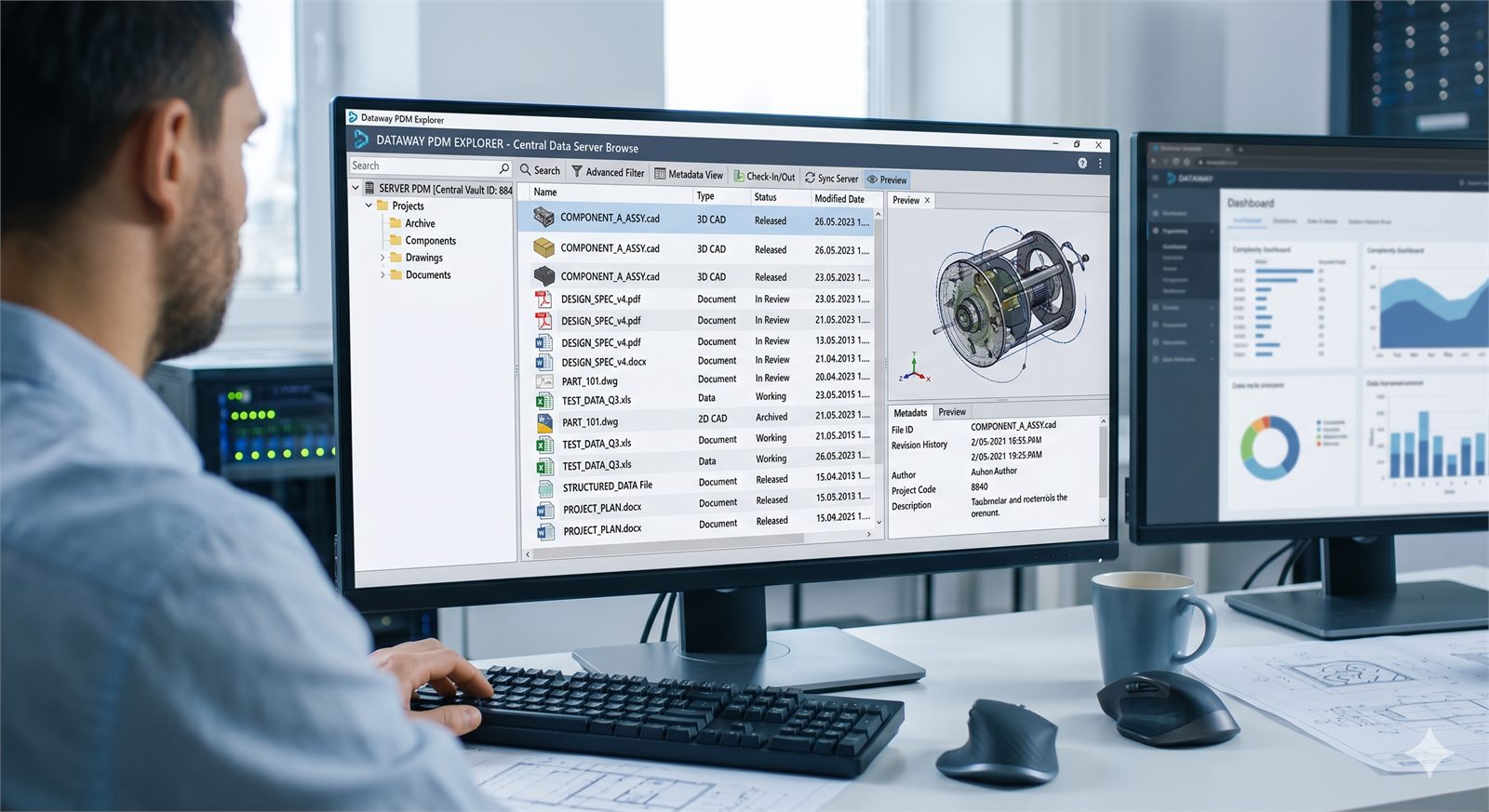
Companies invest in Autodesk Vault to bring engineering data under control: tracked revisions, approval workflows, a single source of truth for drawings and BOMs. Then, in practice, only the five people in the engineering office actually use it. Everyone else — production, procurement, quality, sales — ends up asking for PDFs by email every time they need a drawing.
The reason is simple: the standard Vault client was built for people who draw. Too many features, too many technical windows, a learning curve that isn't worth climbing just to consult a layout once a day. The well-known outcome: parallel archives on shared drives or SharePoint, files emailed around that go stale the next day, production decisions made on outdated revisions.
A light browser, the same policies
Lite VaultExplorer was built exactly for this: giving Vault access to people who need to consult data without becoming CAD users. A simple native Windows interface, built-in previews for PDF, Office and CAD files (via Autodesk DWF™), search even inside file contents, bookmarks for frequently used documents.
The part that matters for whoever manages the Vault: no compromises on security. Server policies — permissions, visibility, groups — apply exactly as they do in the standard client. If someone can't see a file in the technical client, they won't see it here either. And compatibility covers every Vault release from 2021 to 2026, across all three editions (Basic, Workgroup, Professional).
Want to show it to a non-engineering team?
A 30-minute demo on your Vault or on a sandbox environment.
Discover Lite VaultExplorer Request a demo